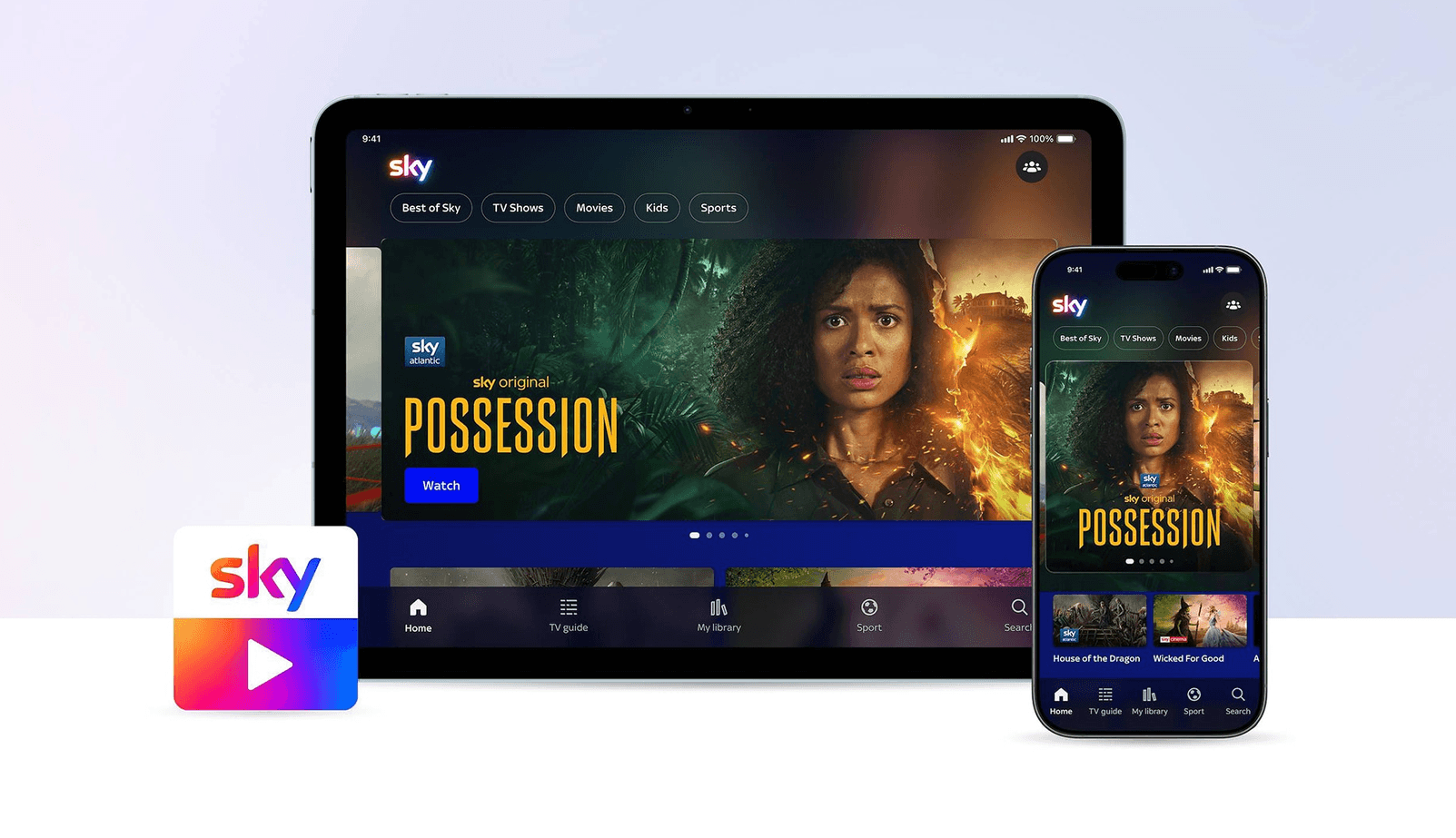
The Sky Go streaming app that’s accessible to Sky Stream and Sky Glass subscribers is getting a massive facelift, with a completely redesigned user interface focused on enhancing navigation and better streaming quality on smartphones and tablets.
The app’s new look is inspired by Sky OS, which is Sky’s smart TV platform, with the same colour scheme and similar navigation menus, so users should immediately feel right at home when they start exploring it. It does mean there are some changes to how users actually navigate the app. For instance, the “Downloads” tab has been replaced with “My Library,” which allows users to access all of the content on their Playlist, their recently watched media and all of their downloaded stuff in one place.
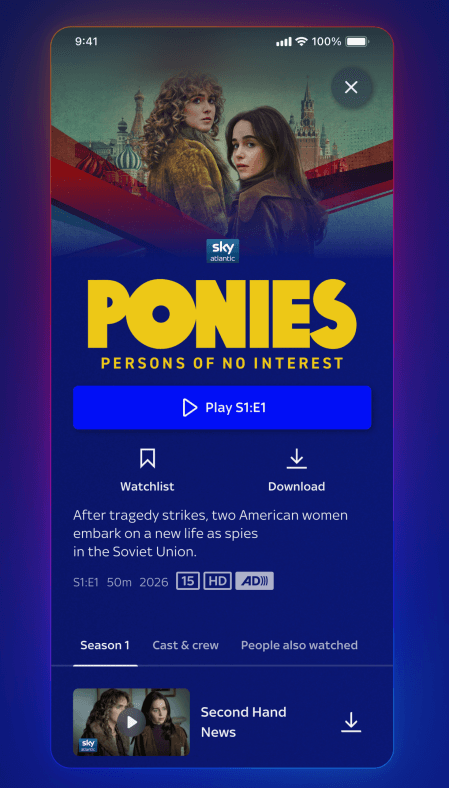
Elsewhere, there are new Movie and TV pages, which show more information about each programme, such as details of the cast and crew, its Rotten Tomatoes score and related content. Users will also be able to play, save, record or download each show or film from its corresponding page. Here's an example of how it looks on smartphones:
Sky has also enhanced interoperability between Stream and Glass and the app, with a new “Continue Watching” feature. It does what you’d imagine, allowing you to pick up the movie you were watching on the TV before you left the house, and immediately start watching it on your smartphone or tablet from the exact moment you hit pause.
Meanwhile, the Remote Recording feature is also a totally new thing for the app. Users will be able to record a live TV show or sporting event on their TV, using their phone, so it will be ready to watch when they return home. It’s a nice feature for those who have a tendency to forget they need to set record on the TV before they go outside.
However, the most important upgrade for most people will be the enhanced stream quality that’s now available in Sky Go. Sky said all of the app’s streams are being bumped up from 720p to 1080p, or Full HD quality. Of course, you’ll need a smartphone or tablet that can actually support Full HD resolution to see any benefit. So long as you have one, you should notice that the picture quality on the app is much better than before.
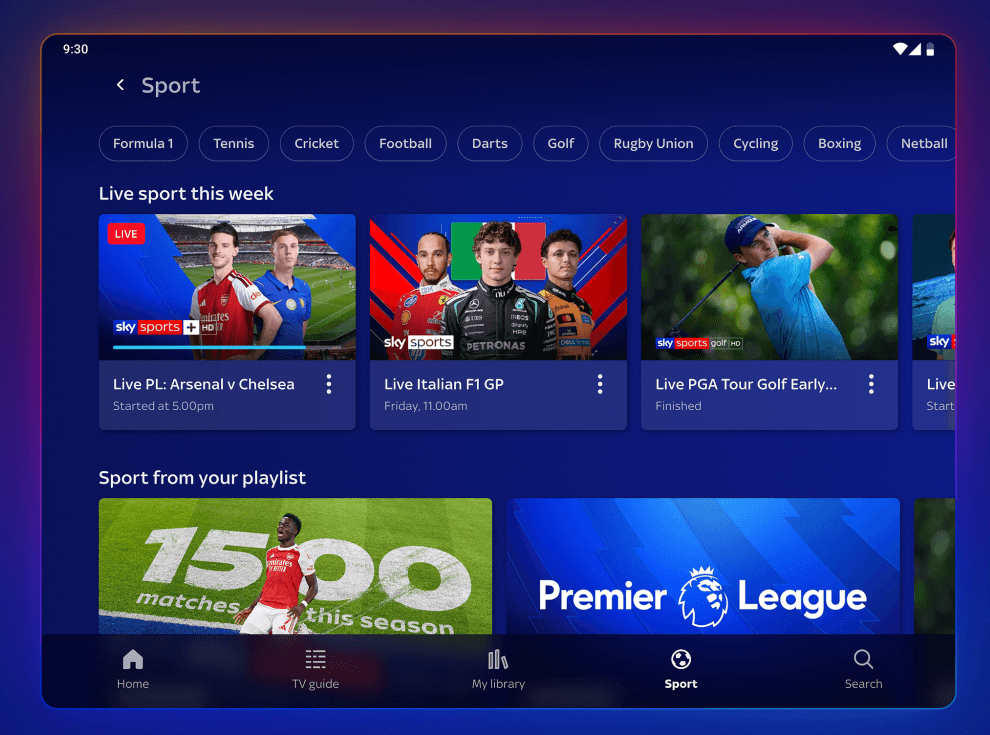
Last but not least, Sky Go has added a new Sky Sports section, which brings your attention to live sports events currently being broadcast, upcoming events you might want to watch, plus any sports content you’ve saved to watch later. From the app, users will be able to select their favourite Premier League team to follow and save it in the My Library tab, so they can watch their team’s games and related content from there, too. This is how it looks on tablets:
Sky said that it’s going to roll out the changes via an update to the Sky Go application on iOS and Android devices “soon,” so you may not see them just yet. The company is also planning to launch a dedicated version of Sky Go for laptops, so if you regularly travel with a computer, you’ll be able to use that for viewing, too.
