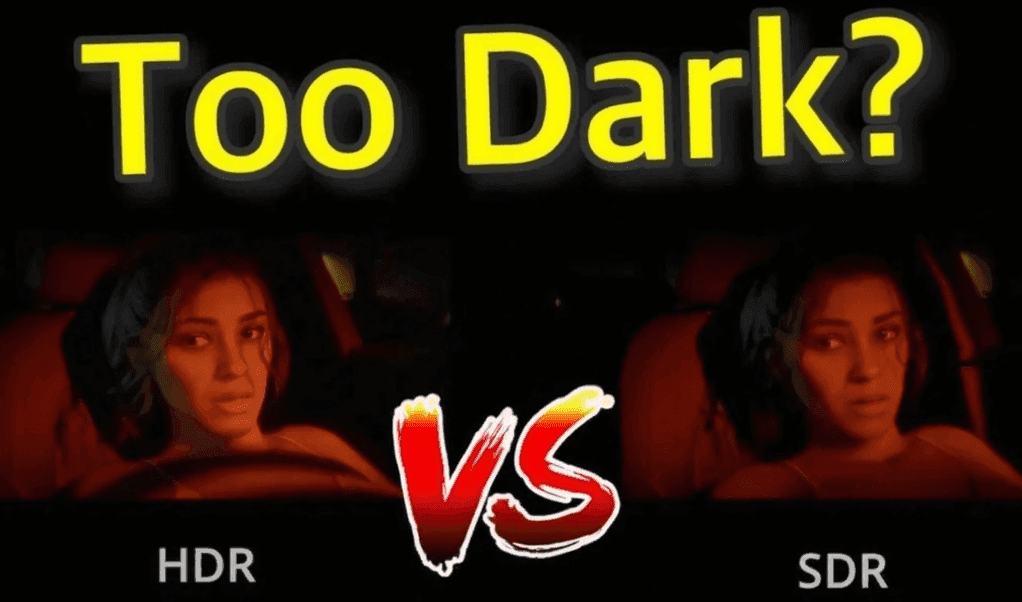
Grand Theft Auto 6 has gotten some rave reviews and is, as expected, being hailed as one of the greatest video games ever made. But for all the fanfare and critical acclaim, there has been some criticism about the game looking a little flat and also appearing too dark when it’s played in high dynamic range, with some even speculating that Rockstar may have broken its HDR implementation.
HDTVTest has already examined and come up with a fix for the flatness issue, and in a new deep-dive, chief reviewer Vincent Teoh has investigated to see if GTA 6's murky graphics in HDR are the result of a technical issue or a stylistic choice by the game’s creators.
Vincent went all out to understand what’s happening, setting up two professional Sony mastering monitors that cost a combined £70,000 to conduct a side-by-side comparison of gameplay with and without HDR switched on. He ran the game in HDR10 on a Sony Playstation 5 linked up to the Sony VM-HX3110 monitor, next to a Sony PlayStation 5 Pro console hooked up to a Sony BVM-HX310 that ran the game in standard dynamic range. The two monitors were calibrated to 120 nits to ensure a balanced comparison.
By looking at GTA 6 in both HDR and SDR simultaneously, Vincent found that the level of darkness in both versions was basically the same. Elements such as shadows and low-light scenes were virtually identical when viewed in both formats, which means that the level of darkness experienced by viewers isn’t the result of some bodged HDR tone mapping.
That said, Vincent also found that there appears to be some kind of in-game dynamic exposure or darkening filter being applied during gameplay, and that this appears to be somewhat more aggressive when HDR is switched on in certain conditions.
Vincent concludes that Rockstar’s HDR implementation is not broken, but likely a creative decision, though he believes that there’s still room for improvement in terms of the overall HDR calibration. When players run the game at the default settings, which sets max brightness at 600, black levels to 50 and paper white at 50, the on-screen image seems to be washed out, without the kind of richness and depth one would expect from a HDR experience.
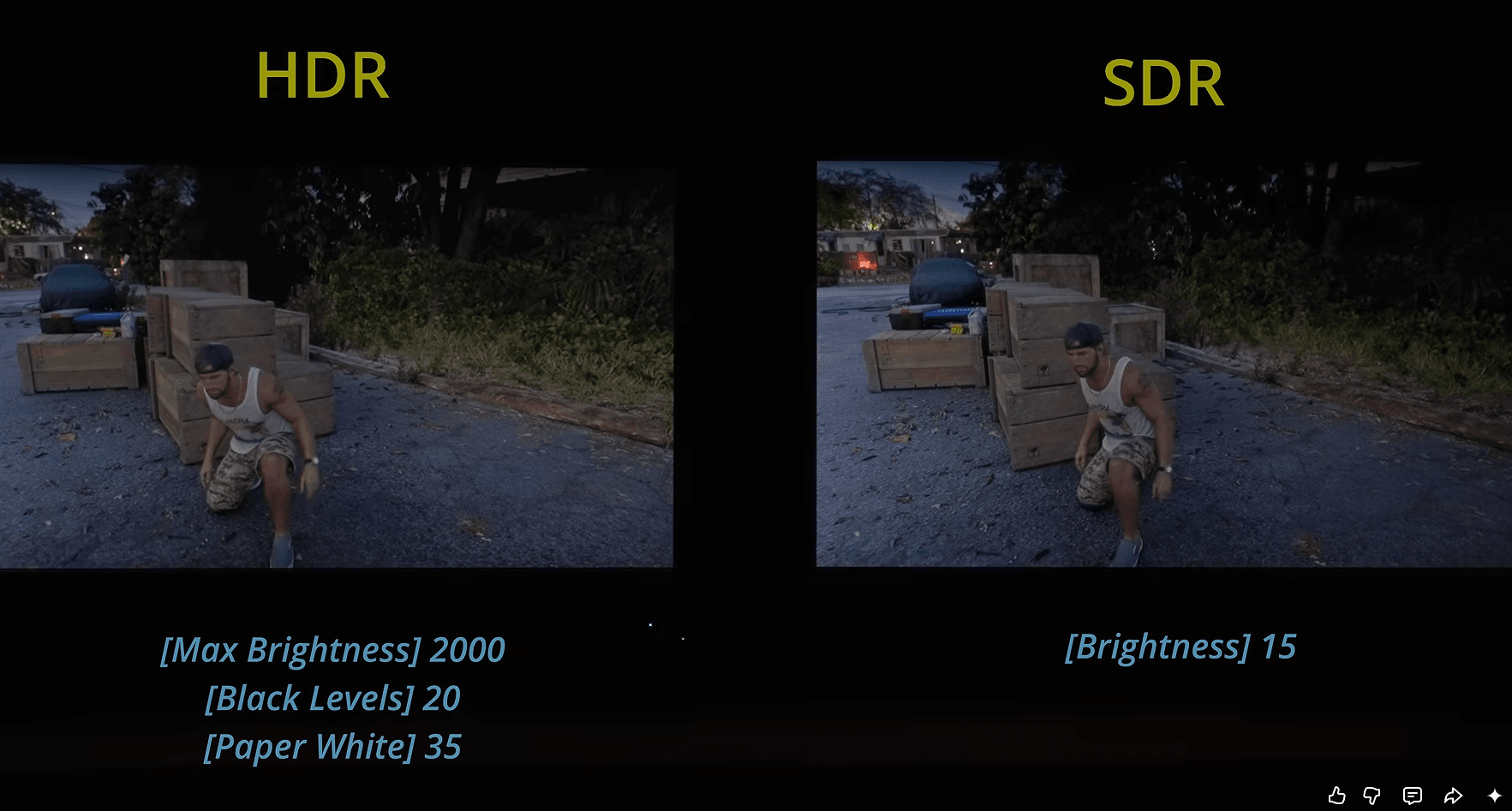
Fortunately, Vincent also found a way to make the HDR experience appear much better. Instead of using the default settings, he suggests cranking up the max brightness to 2,000, reducing the black levels to 20, and the paper white to 35.
Doing so will likely result in a much more balanced picture, but for those who are still unsatisfied, Vincent offered some further tips. The first thing someone should do is to check their console and display settings to make sure there is no RGB video range mismatch, like Limited versus Full range, which is notorious for crushing black levels. They should also check that their TV’s own picture processing tech isn’t crushing the shadow detail.
Finally, Vincent suggests players can fine-tune the in-game HDR sliders around his baseline recommendations. After all, every TV’s peak brightness and contrast settings are slightly different, and they apply different optimisations based on the level of ambient lighting in the room.
So in other words, start with Vincent’s recommended settings and then adjust them a little in both directions to try and tease out those details in darker scenes without making brighter details appear washed out. Because every TV is unique, it’s up to the gamer to try and get the balance right, he says. To learn more and see the side-by-side comparison for yourself, you can watch Vincent’s full analysis here:
